Justus Hörberg

Hellbound
"Hellbound" is the title of a solo-developed platformer prototype I previously worked on. It is a game that puts emphasis on versatile, swift and accurate movement reminiscent of that found in the Super Mario franchise. The player has the ability to dash, wall-jump and, with their two golden magnums, ground pound and double jump from their recoil.
Platform: PC
Engine: Unity
Language(s): C#
Project Created: August 2021
Team Size: 1
Info
Project Information
Hellbound is a solo-developed game made in Unity. Development started around August 2021, and has been worked on on-and-off throughout the fall/winter when college hasn't kept me busy. All assets, including 3D models, environments, animations and code (with the exception of some textures and sounds) have been made from scratch, using Unity and Blender.
Technical Features
Dashing
With a press of the X-button on the controller, the player can perform a dash move that gives them a near-instantaneous speed boost. All momentum gained carries over to any state they enter afterwards, including jumping, falling, landing, attacking, or even wall-jumping. Buffering an A-press while dashing off a cliff will cause the player to jump the exact moment they go airborne, similar to how some games feature mechanics like coyote time.


Ledges
The player can climb edges in this game. When the player touches a wall, the game will send two raycasts, one from the player's head moving forward, and another in front of the player moving downwards. When both casts hit, and the angles of the surfaces are within the correct range, the game confirms the player has touched a ledge, at which point the player will snap to the position in front of the forward cast hit position and below the downward cast hit position. From there, the player can press the A-button to get up the ledge quickly, or push on the control stick to do it slowly. The getup animations are controlled using root motion.
Recoil Jumping
While airborne, pressing A and RT at the same time allows the player to perform a "recoil jump," a mid-air jump manifested by the in-game character shooting its guns downwards, gaining upwards momentum from the recoil. When the player presses the RT-button, the game will then proceed to wait for an A-press for a short period of time. Once registered, they enter the recoil jumping state, where the accompanied animation plays. This animation is what applies the upwards momentum using an AnimationEvent, that can be adjusted for tweaking.
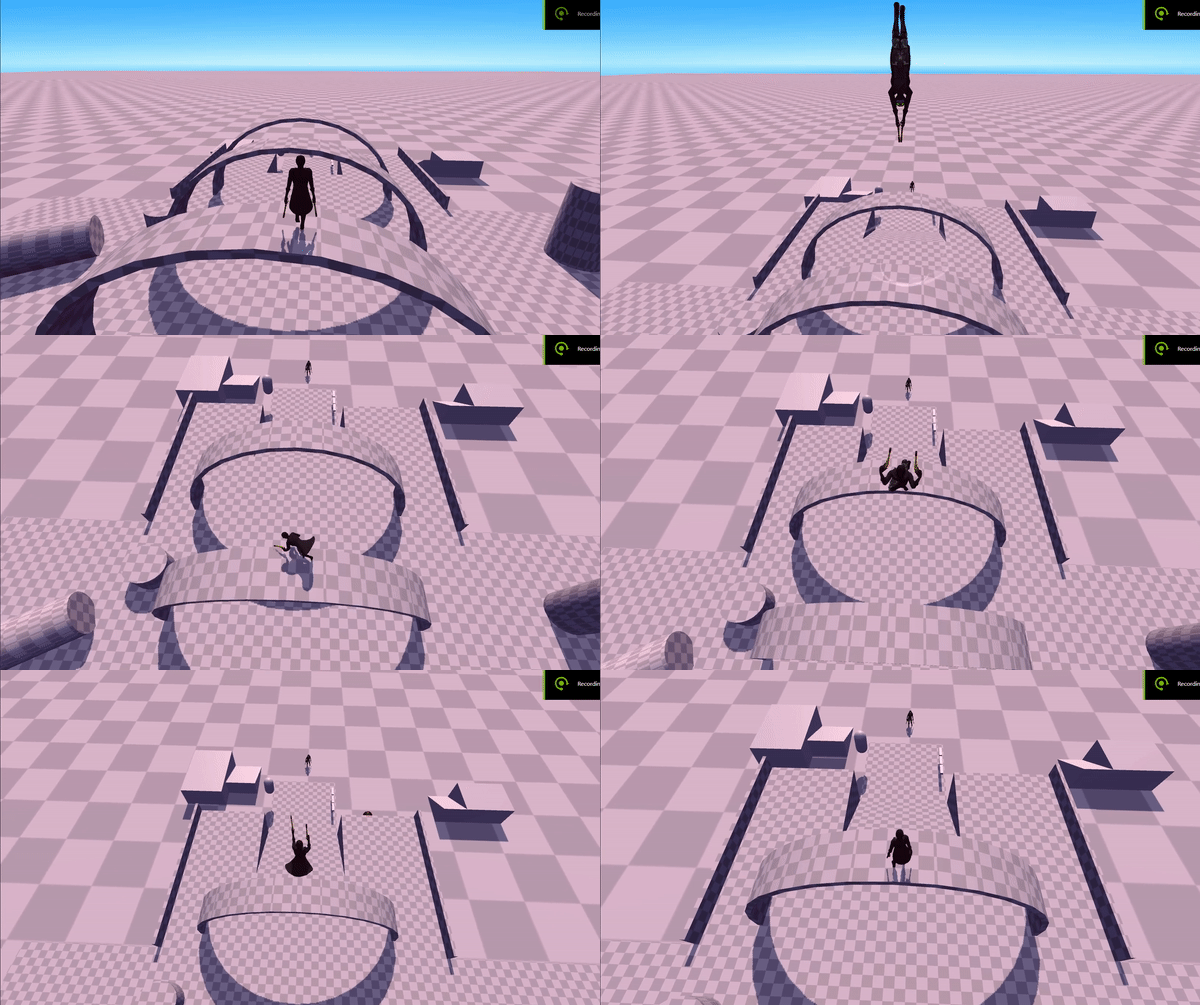

Recoil Pounding
Pressing the B-button instead will cause the player to perform a "recoil pound." Just like with the jumping animation, downwards momentum is also applied using an AnimationEvent here. Landing on the ground will result in a massive, explosion-like impact that shakes the camera. Pressing the A-button at this moment makes the player bounce off the ground, gaining more height than a regular jump.
Inverse Kinematics
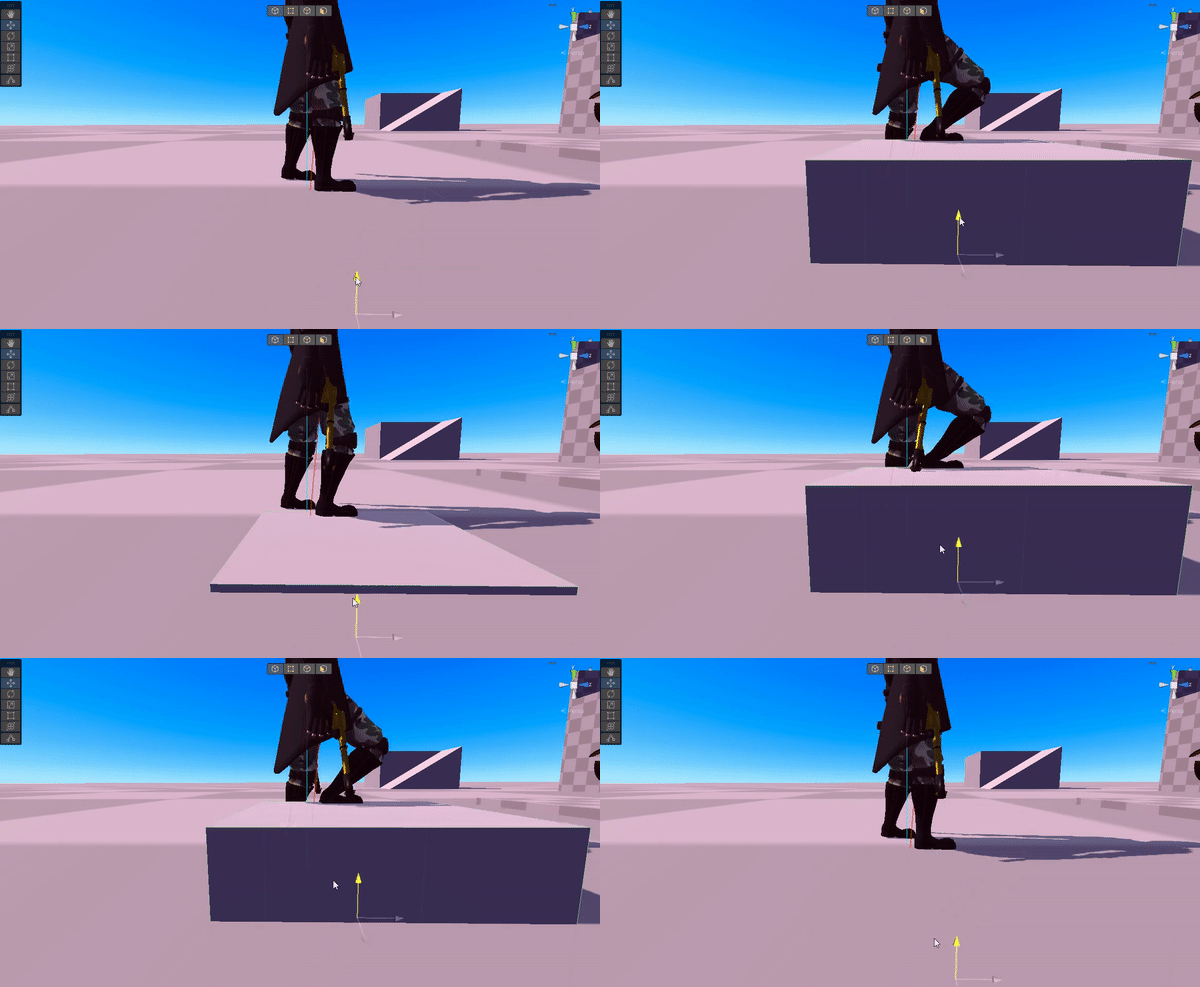
As a peculiar little detail to the player's legs, if something intersects the line between the character's leg joint and ankle, the leg will articulate such that the foot always remains on the hit surface. A raycast is sent between the leg and the foot, and then based on the distance to the hit point, length of the leg, and the knee, the angles required for the foot to be on the ground are calculated using the law of cosines. These, along with the rotation facing the direction of the foot, are then applied to the rotation of the bones.

Pawn System
Some of the architecture in the game is somewhat similar to Unreal Engine, in that the way characters are controlled through controller objects in the scene ("PlayerClients") that each have their own pawn (though unlike Unreal, in this game the pawns are interfaces) which they send inputs to. Upon possession, if IsPossessable returns true, the PlayerClient calls PossessPawn on the pawn, where pawns can initialize control-related things. Thereafter, whenever the client receives an input from the controller (which can be a player controller or an AI), it reports this to the pawn, which may do whatever it wants with it.
Input Buffer System
All inputs on the player character are bufferable. This is made possible by the InputBufferSystem class that it creates on Awake. The buffer system contains a dictionary, with all the buttons as keys, and buffer processors as values. The processors contain action delegates that can be assigned at any time. When the player presses a button, the processor for that button is activated, and while the delegate is unassigned, it will be executed in the update loop until an action does get assigned or it has been active for more than the buffer time. In other words, the processor will keep trying to execute itself until an action is assigned.

State Machine
For architectural purposes, all actions that both the player and the camera can perform are divided into states. The states consist of the OnStateEnter(), OnStateUpdate/FixedUpdate(), and OnStateExit(). For the player, there are two base types of states: grounded states, and airborne states. Both of these contain base functionality such as movement, gravity, button actions, etc. and can be overridden by any subclass that is supposed to have its own code executed. The camera's states are nested classes baked into ScriptableObjects, which allows value tweaking to be made at runtime.