Justus Hörberg

Dream Walker
Dream Walker is a third-person point-and-click game where you play as a dream-traversing being known as a "Dream Walker." You have entered the nightmare of a young woman and it is up to you to rescue her out of it. The player has to navigate and solve puzzles to progress through the dream world, in search of the artifacts that will ultimately set her free.
Platform: PC
Engine: Unity
Language(s): C#
Development Time: 4 weeks
Team Size: 10 students
My Role: Player/Camera/System Programming
Info
Project Information
Dream Walker was created for our second game project course at FutureGames. Development of the game spanned over the course of four weeks, with the first involving concept and planning of the game and first playable, and subsequent weeks alpha, beta, and release.
My Contributions
Player Movement
The movement itself works by creating a vector based on the WASD inputs, and then multiplying it by the current rotation of the camera, thereby always making the player run forward/sideways as expected. The collision system will keep track of their current and last position, and will continuously overlap for collision between these two positions, then putting the player where collision occurred (does not check by the feet, however, if on ground). Based on the player's grounded state, they will be in the "IdleMove" state or in the "Airborne" state, where they will keep gaining relative downwards momentum.

Gravity
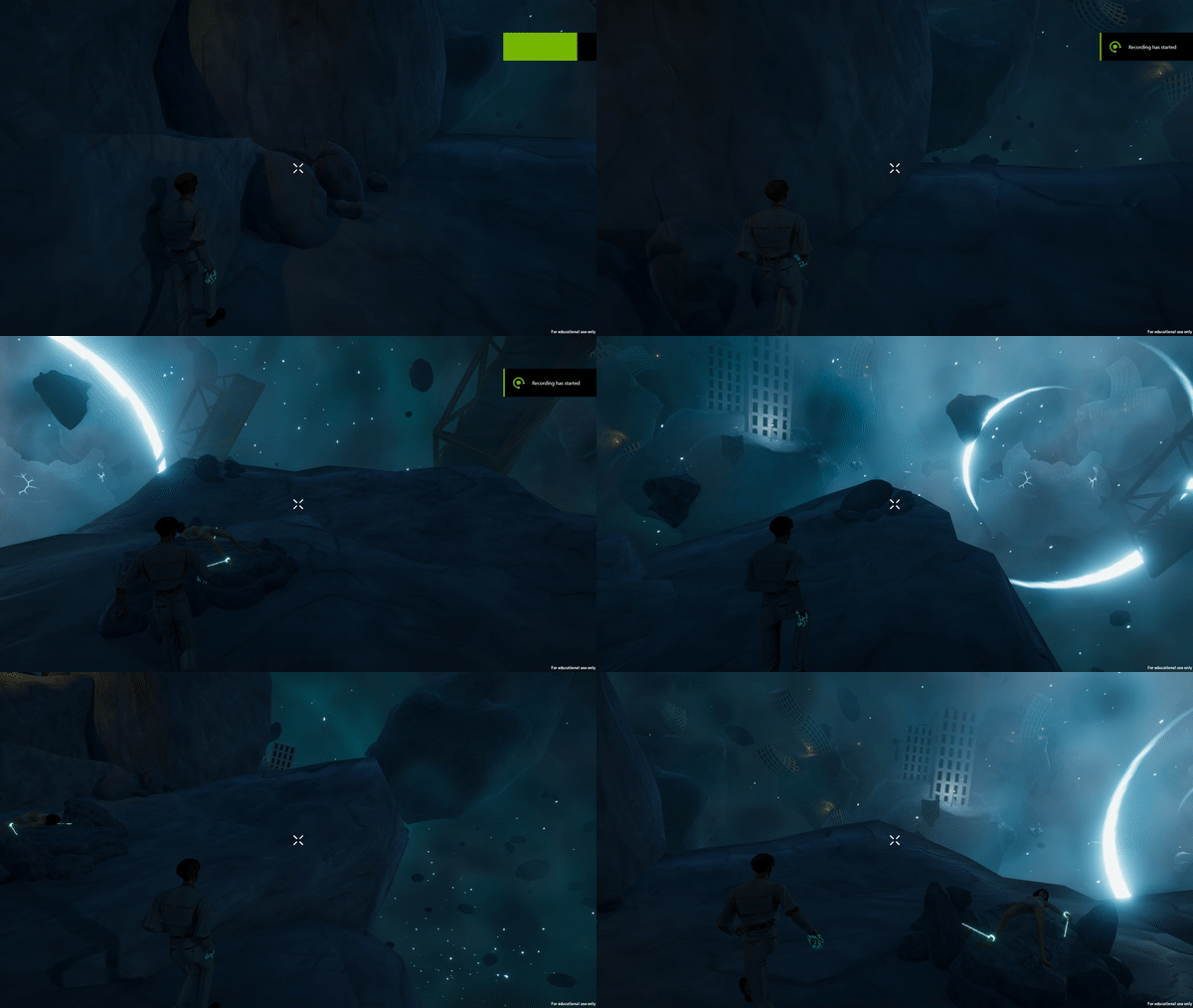
Although unseen in the actual game, the movement system actually supports gravity/planet mechanics. Any surface marked as "gravity" will set the player's gravity to its surface normal. Objects that support gravity will derive from an IGravity interface, where they're expected to have all of their movement be multiplied by a quaternion called GravityRotation, and all rotation be done using another called LocalGravityRotation. The former represents the gravity direction, and the latter the object's "actual" rotation relative to it. Transform.rotation will then be set to these two multiplied by each other when one of these are changed.
Camera
The camera's hierarchial structure consists of three objects: the root, the offset, and the camera. When the camera follows the player, the root will be the one moving towards the player's focal point as specified in its IFocable interface. The user can rotate the camera with the mouse. The camera behavior is divided into multiple states, where the default is the one following the player, and another state is used for cutscenes, where the game's event system will take care of how it's supposed to move. The camera also has a shaking feature which works by having "shaker" classes that evaluate the camera's local position such that it vibrates.

Portal
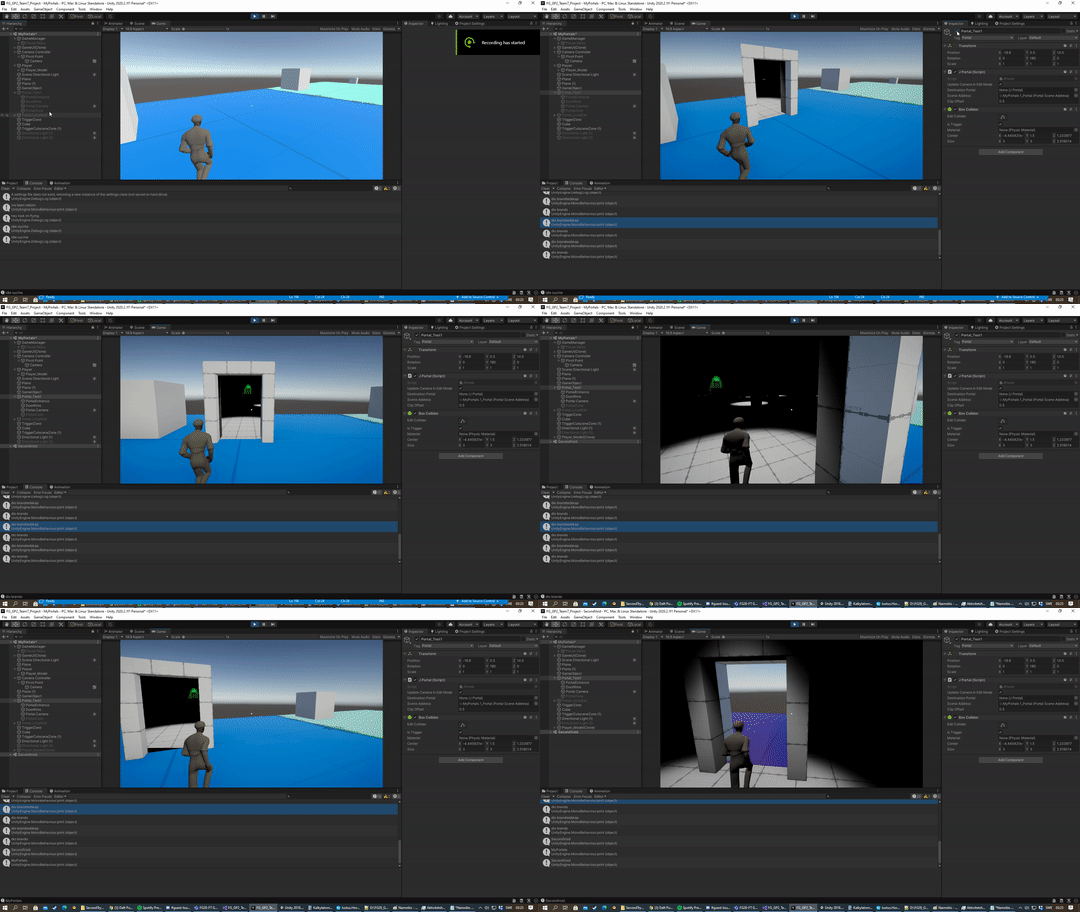
The game features a portal system that is able to transport the player between two places in a scene, or even two scenes. The portals use screenspace UVs, and the cameras project the main camera's position relative to themselves. Depending on the main camera's distance to the portal, the destination portal camera's near clip is set to said distance to not let objects right behind the portal get in the way. Objects that are able to travel between portals are given their own personal "clones," objects that represent their positions on the other end, with the purpose of fulfilling the illusion of that object moving through the portal.